Pausing and Resuming a Postgres ClickPipe
There are scenarios where it would be useful to pause a Postgres ClickPipe. For example, you may want to run some analytics on existing data in a static state. Or, you might be performing upgrades on Postgres. Here is how you can pause and resume a Postgres ClickPipe.
Steps to pause a Postgres ClickPipe
- In the Data Sources tab, click on the Postgres ClickPipe you wish to pause.
- Head over to the Settings tab.
- Click on the Pause button.

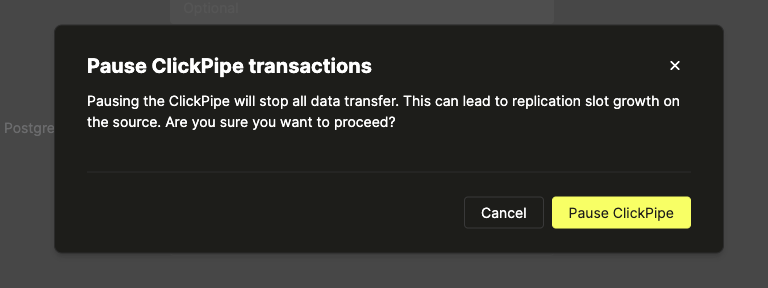
- A dialog box should appear for confirmation. Click on Pause again.
- Head over to the Metrics tab.
- In around 5 seconds (and also on page refresh), the status of the pipe should be Paused.
предупреждение
Pausing a Postgres ClickPipe will not pause the growth of replication slots.

Steps to resume a Postgres ClickPipe
- In the Data Sources tab, click on the Postgres ClickPipe you wish to resume. The status of the mirror should be Paused initially.
- Head over to the Settings tab.
- Click on the Resume button.

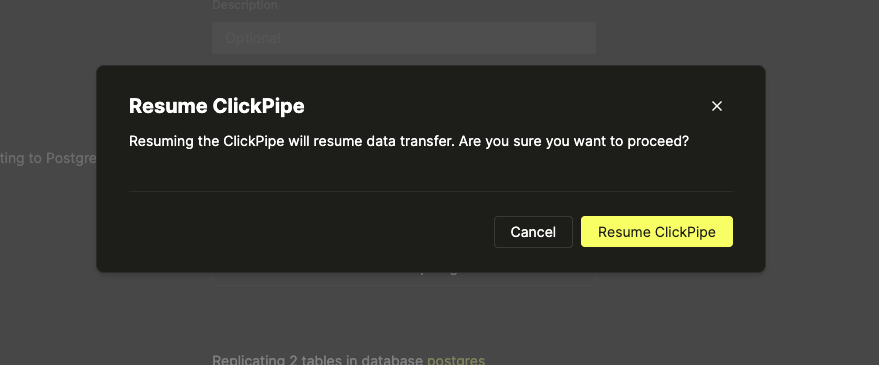
- A dialog box should appear for confirmation. Click on Resume again.
- Head over to the Metrics tab.
- In around 5 seconds (and also on page refresh), the status of the pipe should be Running.
